

Douyin
Parse posts, process batches, and archive assets locally
Collect assets and analyze videos, create with AI and talking avatars, publish across platforms, and manage engagement. Keep your assets, production, and account interactions in one toolkit, and pick up wherever you are in your workflow.
Start with source material, create and publish your content, then engage with your audience. Enter at whichever step you need.
Organize platform assets, transcribe dialogue, and generate prompts and shot references.
Start with assets and referencesTurn scripts, avatars, and voices into talking videos, or generate videos, illustrations, and product photos.
Keep your creative choicesManage publishing accounts, organize content, and review publishing tasks on desktop.
Runs in the desktop appPrepare and edit AI comments per account, submit once, and review the results.
Windows desktop · VIP featureCollect and organize assets by author and process them in batches on desktop. Use video analysis to transcribe dialogue and generate prompts and shot references before creating.
Parse posts, process batches, and archive assets locally
Collect images, text, and videos; extract scripts and manage everything together
Handle more popular content platforms in one workspace
Kuaishou logo source: kuaishou.com
Choose original dialogue, an overall video prompt, or key shot references. Cloud models analyze the video directly, without local tools.
Use the same cloud analysis as the web app and choose the results you need. For detailed shot and motion analysis, switch to desktop.
Process videos locally for dialogue, shots, expressions, motion, and editable generation prompts. Official mode needs no personal key; CYOK is also available.
Select only the stages you need. Prices are shown before starting. Web and mobile shot references do not provide exact cut timestamps.
Dedicated tools keep publishing tasks and account engagement easy to find.
Manage publishing accounts, organize content, and review task results in the desktop app. Supported platforms and content types depend on the current release.
Manage accounts and generate or edit comments for each one. Click Run now once to submit. Tasks and logs show results by account.
Version and availability: Comments require valid VIP membership and a Windows release with the comment workspace. See release notes for downloads. The website provides guidance; macOS and Android do not currently support the comment workspace. For bulk accounts, contact support on WhatsApp. Read about comments and account slots
Every video below was generated with xiats. All avatars are AI-generated, with no live filming.
Combine an avatar, a script, and a voice. Set up your avatar once; change only the script for each new video.
Upload a video of yourself facing the camera, or generate an AI character if you prefer to stay off camera.
Extract speech from platform share links, upload a video for transcription, or ask AI to write a script.
Pick a library voice or clone your own. The system adds voiceover and lip sync to produce the finished video.
Create more than lip sync: manage your avatar, voice, script, and cost in one place.
Four presets are available: an articulate female presenter, a professional male narrator, an energetic creator, and a 3D virtual character. All are AI-generated without real-person portrait licensing.
Use a library voice or clone your own. Pair the same avatar with different voices and choose your presentation style.
Extract speech from Xiaohongshu, Douyin, Bilibili, or Kuaishou links, or transcribe an uploaded video. AI can rewrite it into a more natural spoken script.
Voiceover is billed by character count and lip sync by output duration. A confirmation dialog shows “Voiceover ¥X + Lip sync ¥Y = Approximately ¥Z” before generation, with no hidden charges.
Failed jobs are not charged. Reserved funds return to your wallet automatically, without contacting support.
Record your avatar footage once. Change the script for each new video and generate in minutes, without setting up lighting and cameras again.
When the same person needs to deliver different messages repeatedly, talking avatars save time.
Create a presentation for each product using the same avatar, and prepare a batch for launch day.
Turn topics into scripts and let an avatar present them, so daily publishing does not depend on filming.
Keep product introductions, onboarding, and internal announcements consistent. Update the script to update the video.
Try variations in script and voice to see which performs best, paying only for the generated versions.
Generate videos and images, process product photos, and refine topics and scripts. Video analysis has its own entry point. Web usage is billed per task, with prices shown before you begin.
Paste a share link to turn video speech into text. More platforms are being added.
 Xiaohongshu transcription
 Douyin transcription
 Bilibili transcription
 Kuaishou transcription
Explore the updated workflow in about a minute: edit a script, choose an appearance and reference voice, set the frame size and review pricing. The final example is a real video previously created on the platform.
Exclusive to All-platform VIP: run long and batch digital presenter and AI creation tasks on your computer. CYOK connects your own model key, with requests and costs charged to your cloud account.
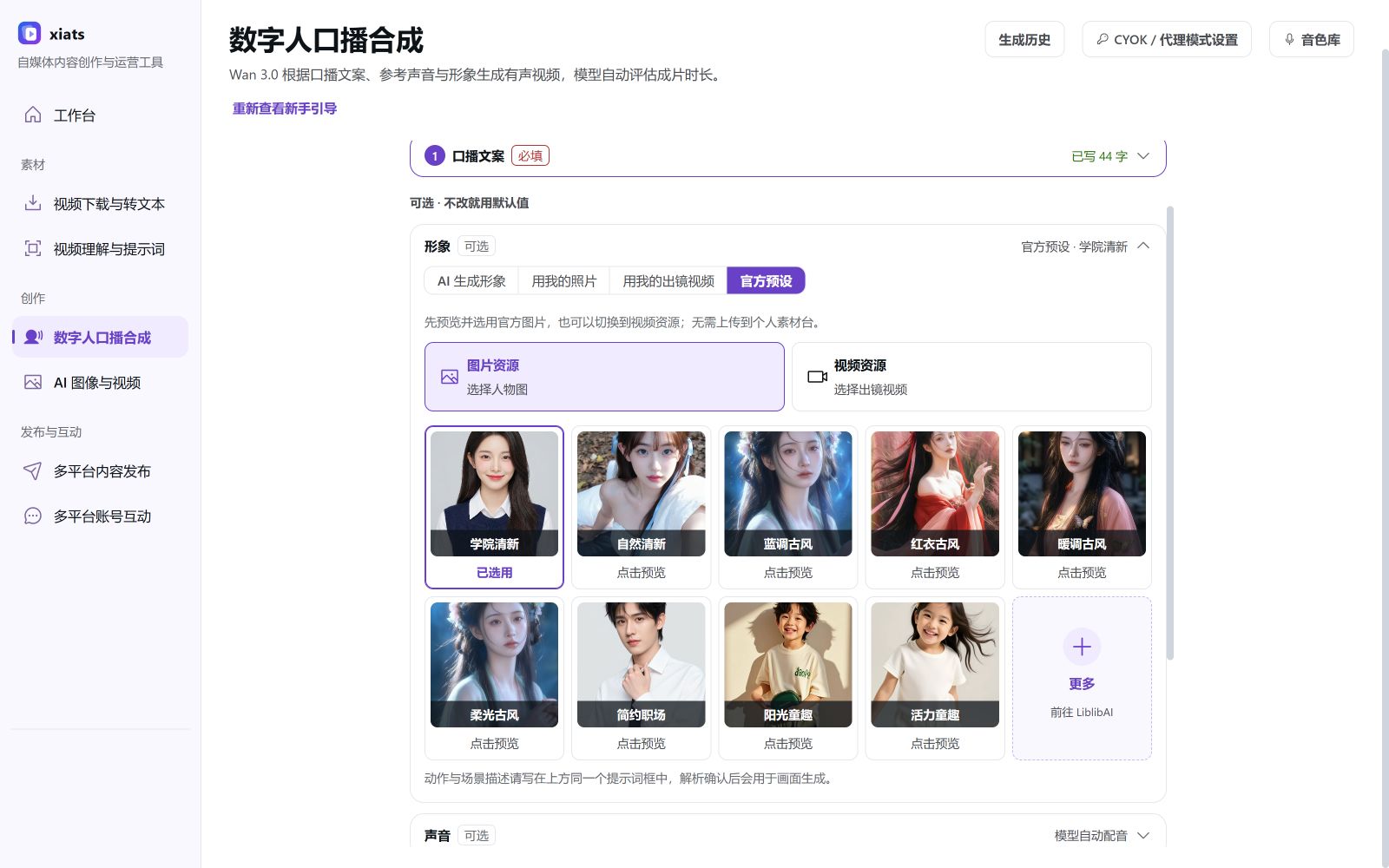
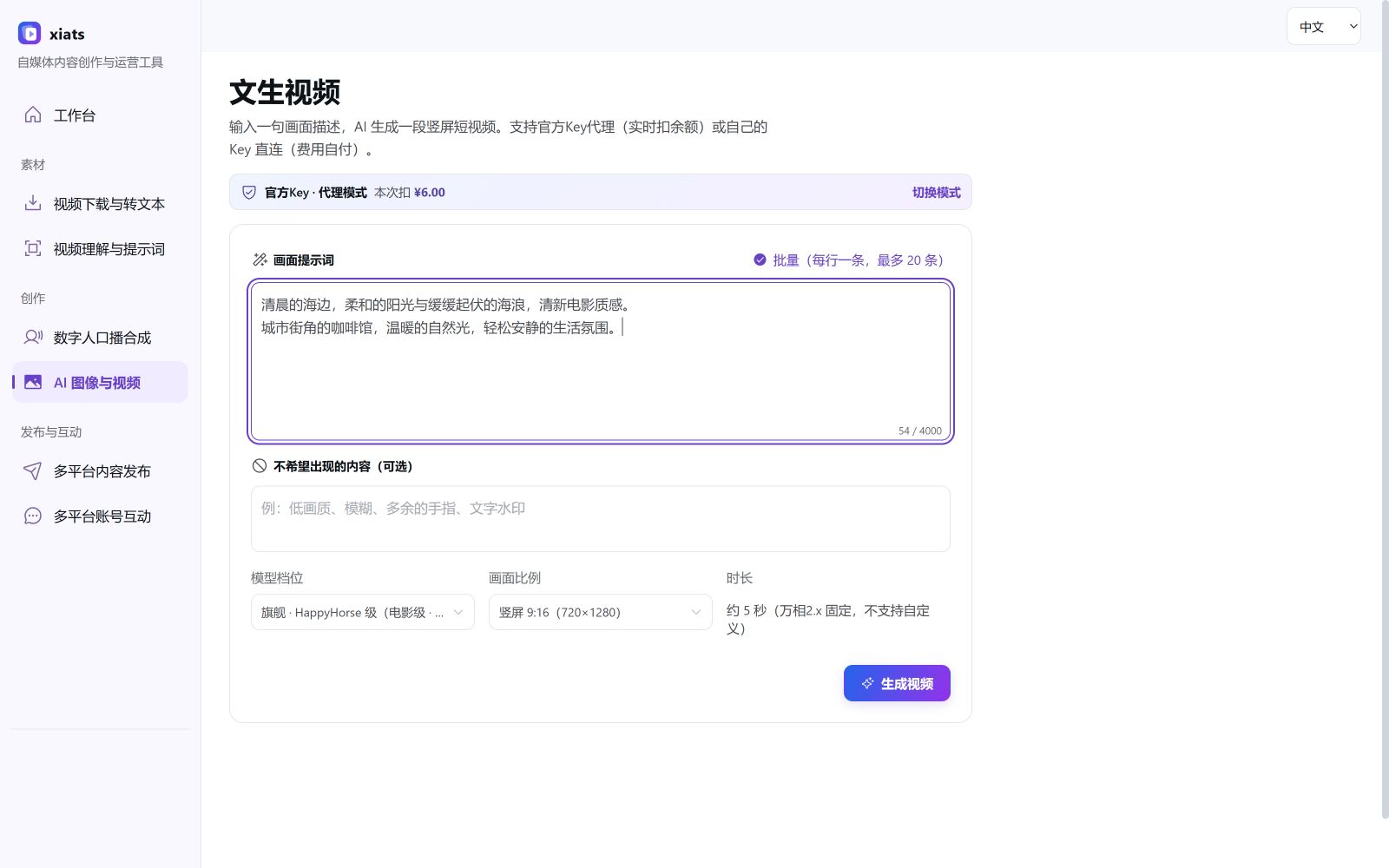
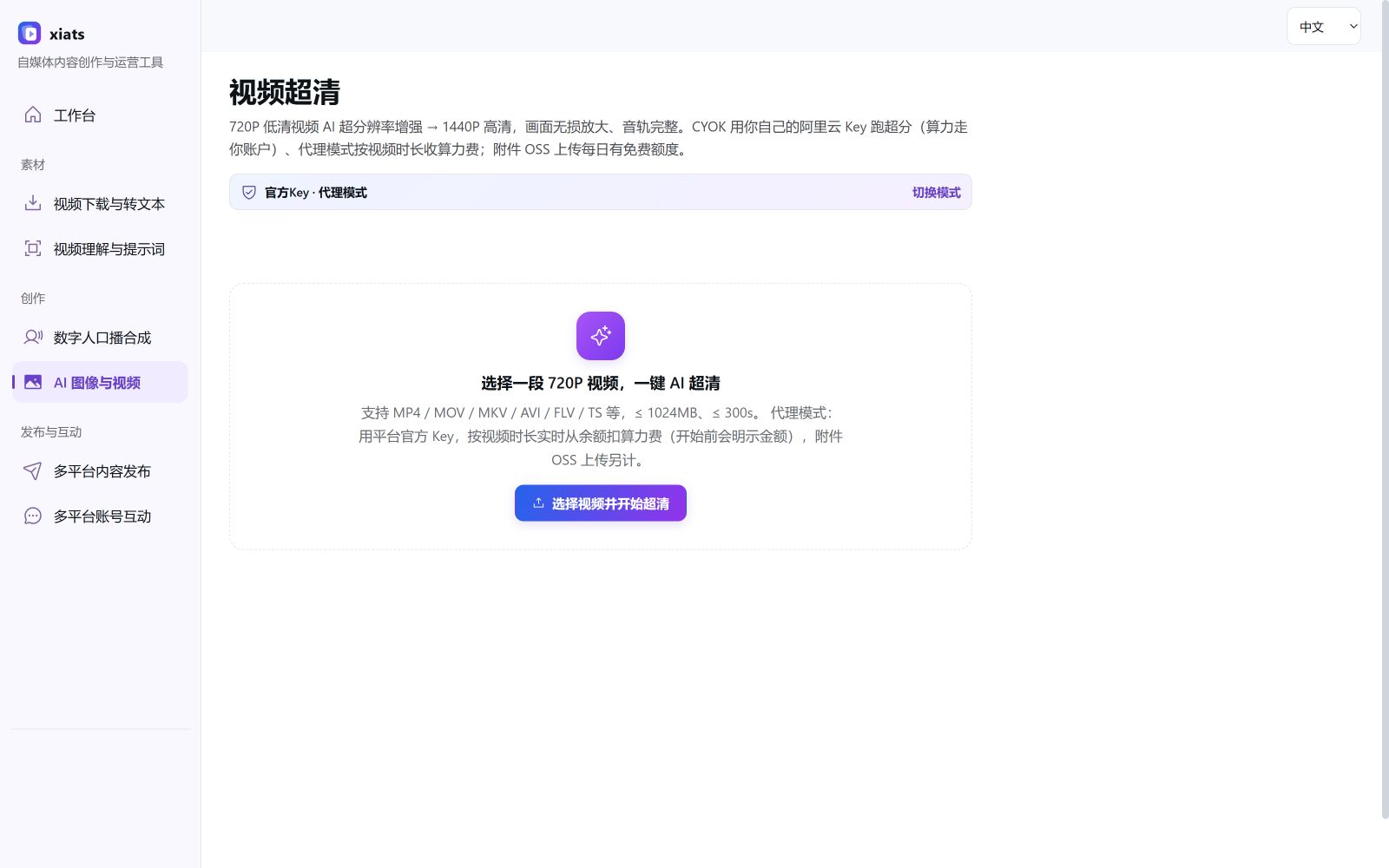
No desktop installation is needed. Sign in to the Open Platform with an active membership, create an API key, and select Use skill. Paste the installation prompt into an AI assistant that supports Skills.
The generic package contains no personal credentials. Calls require an active membership and API key. The installation prompt contains your credentials; share it only with an AI assistant you trust.
Membership and usage charges are separate. Membership unlocks unlimited text extraction and the desktop client; digital presenter creation is billed by usage.
See the workspace price list for current rates. Sign in and open Digital presenter to view a quote.
All-platform VIP includes unlimited text extraction on supported platforms and applicable desktop benefits. Subscribe monthly for ¥39.90 or yearly for ¥399.00 via WeChat Pay.
AI creation is billed separately: text-to-video, image-to-video, digital human synthesis and upscaling are charged by usage from your wallet, with quotes shown before generation and automatic refunds on failure. Top up separately; membership does not include these charges.
Analyze and create on the web, then switch to the desktop app for publishing when needed.
Register & start creating