

Apps & release notes
Exclusive to All-platform VIP: Run longer digital presenter and AI creation tasks, including batches, on your computer. CYOK lets you connect your own model key, with requests and charges handled through your cloud account.
Free to download; All-platform VIP required to use the apps · See release notes for available versions
Prefer not to install the app? Use the skill in your AI assistant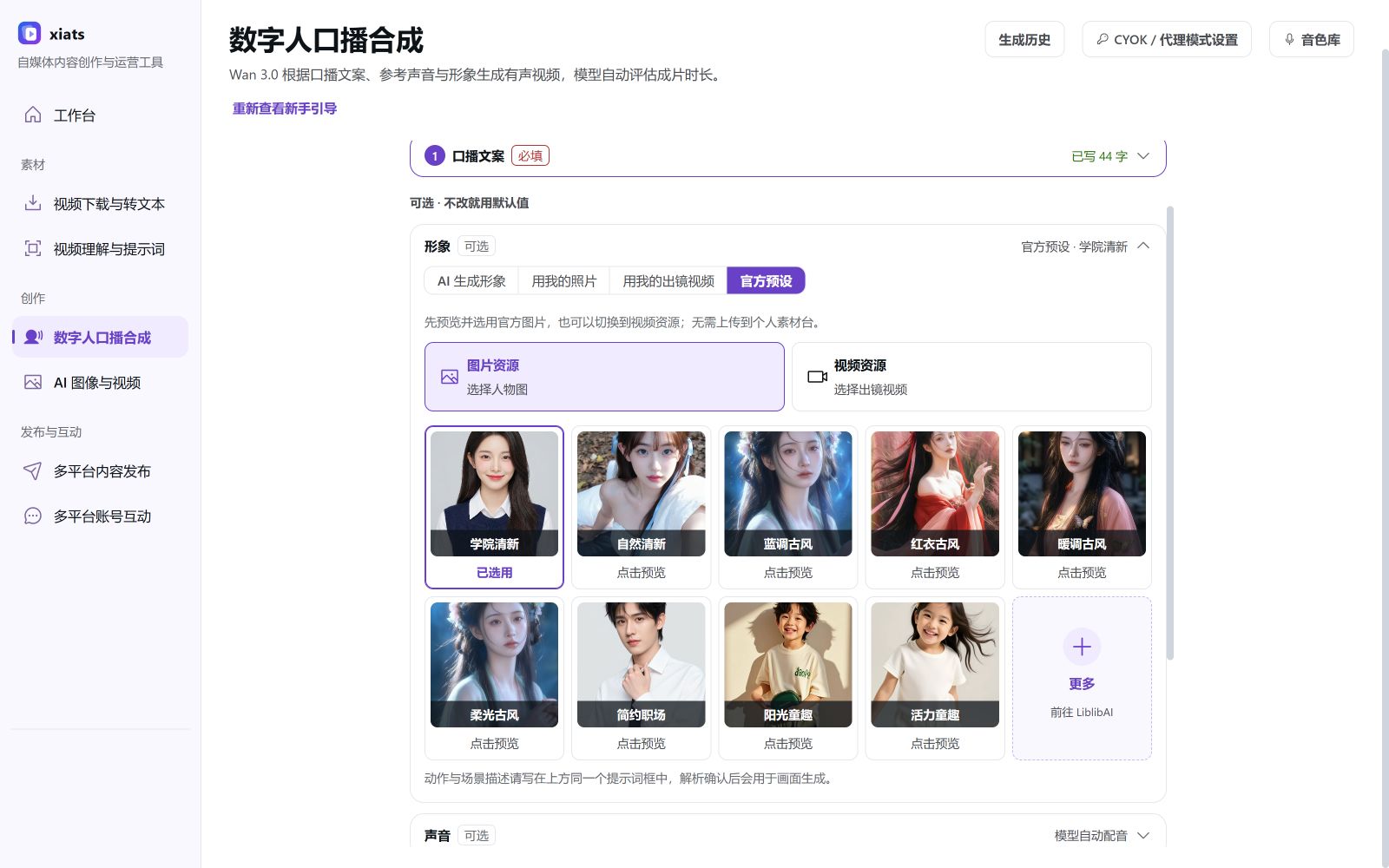
Current desktop frontend preview (2026-10-06). Available features and publishing capabilities depend on the downloaded version and release notes.
Use Xiats in your AI assistant, no app required
Add Xiats as a skill to any AI assistant that supports Skills, such as Claude Code, Codex or WorkBuddy, and use the Open Platform just by asking.
- 1
Become a member and create a key
Sign in and create an API key under Account > Open Platform. Keys work while your membership is active.
- 2
Click "Use skill" to copy the prompt
The prompt already includes the install address and this key, so there is nothing to unzip or configure by hand.
- 3
Send it to your AI assistant
Paste it into an AI assistant that supports Skills and it installs itself. After that, just send a share link and it uses Xiats to parse and transcribe it.
The skill requires an active membership. The prompt contains your key, so only send it to your own AI assistant.
App capabilities & release notes
- Refer to release notes for the available version. Multi-platform comments require valid VIP membership and a Windows release with the comment workspace. Likes, favorites, and follows vary by platform; consult the app for support.
- Capabilities differ by app. The engagement workspace is for Windows; macOS and Android are not currently supported. The Mac installer supports Apple M-series chips only.
- Desktop supports managed video understanding and AI creation without a personal key. CYOK requests and costs use your own Alibaba Cloud Model Studio account.Need your own key? Register with Alibaba Cloud
- Android runs all AI generation in the cloud and charges your platform wallet by usage. No personal API key is needed.
Frequently asked questions
Try the web app first
No installation required. Sign in to analyze and create; use the desktop app for long and batch tasks.